Dish in frame Weight · baseline
Is the dish itself well in view? You can only learn what you can see, so this is the baseline.
Not a vague promise — the master's capture and the learner's training already run.
This page is not a how-to manual. It is the evidence that one connected flow — the master films, the AI learns the taste, and a learner in the U.S. masters the dish — is built to actually run, not just imagined. Below, see what each party does from their seat, and how the process is scored and learned, exactly as it is implemented.
 Master · Korea The master films Films the standard cooking process from a Galaxy XR first-person view.
  Learner · U.S. The learner trains live Seeing the learner's live field of view, the AI teaches by conversation and reports the deviation from the master as a grade.
 The next three sections show, in order: how the master films and is scored, how the learner trains, and how both get started.
Not every clip a master films gets used. The AI learns well only from well-shot footage. So every take is scored for quality automatically, and the score sets how much it counts — this scoring system is already implemented and running inside the app.
Is the dish itself well in view? You can only learn what you can see, so this is the baseline.
Are the chef's hands in the shot? It matters for learning the motions.
Does the chef explain why they do each step? This is 'transfer,' not just video — so it weighs the most.
A high enough score makes the take count fully; a middling one counts partly; below the bar it doesn't count. That natural control — 'you filmed it but it didn't count' — nudges masters to film with care. Quality filters itself.
Each take is scored 0–100, and by band the acceptance ratio is 0% · partial · 100%. Accepted time = take length × acceptance ratio, reflected exactly in the per-dish goal. (The precise thresholds and weights are trade secrets and not disclosed.)
Today this runs as a first implementation keyed on take length; precise reading of the three criteria from the video itself will be advanced step by step as the vision AI is integrated.
A learner may be cooking for the very first time. So learning splits in two — first grasp the dish's concept in your head (theory), and only once that's mastered do you move on to actually making it (practice). Both stages count by 'did you really learn it,' not 'how many times.'
Concept lectures
learned & scored by dialogueAccepted practice
to master the dishDeviation from master
A · B · C · DWhat the learner makes is compared with the master's standard and reported as one of four grades for how close it is.
Each session is scored 0–100, and the band decides how much it counts (none / partial / full). The deviation grade is also placed on a 0–100 scale. The precise thresholds and weights are not disclosed.
Today a dialogue-centered first-stage evaluation runs; evaluation that also reads precise alignment with the master's taste (across several flavor axes) will be added step by step as the camera and vision AI are integrated. As general AI models improve, our cooking-transfer AI is planned to be upgraded periodically too.
Masters and learners use the same app but take different paths — masters to 'leave' a dish, learners to 'learn' it. Here's how each track starts, with the real app screens. Use the selector just below to view the flow for whichever side you want.
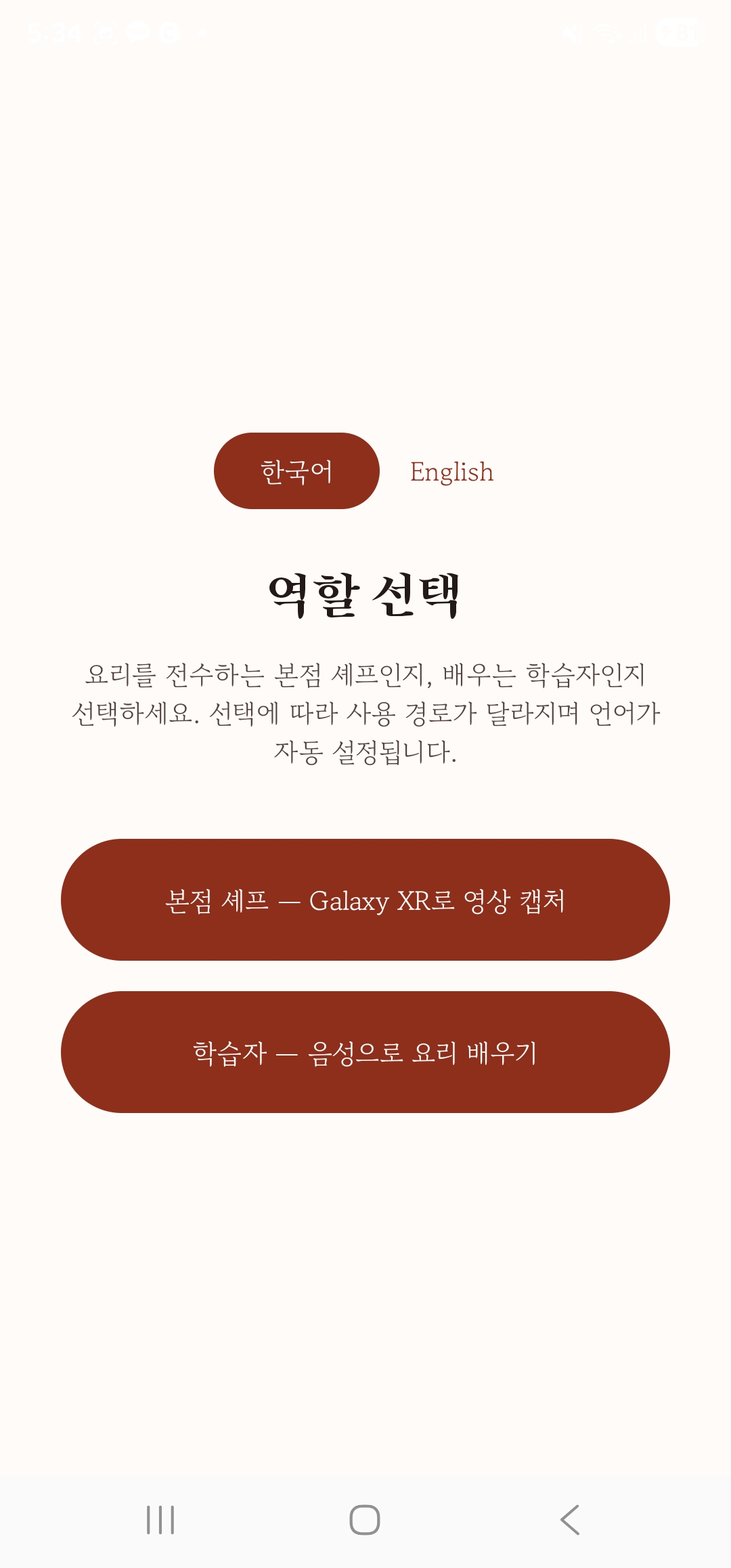
Beyond an expression of interest, the target masters are brands that have signed a formal contract and are about to launch in the U.S. Contracted masters get an invite; after login they enter by choosing 'master chef' (language is chosen on the first screen).
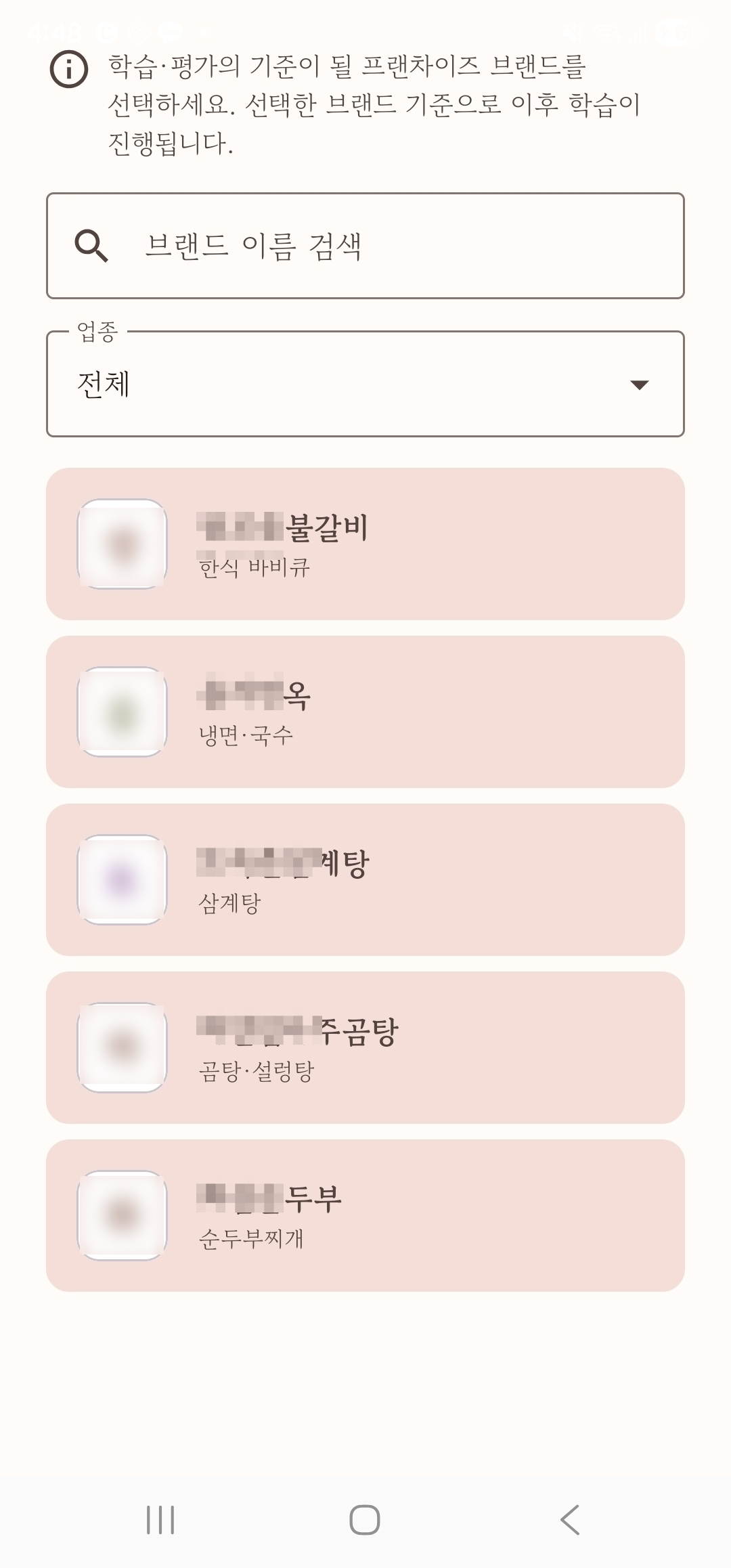
Select your brand from the list — you can enter only your own, the one authorized by invite. (Setup such as per-brand dish registration is done by the operator on the admin page, so the chef can focus solely on filming.)
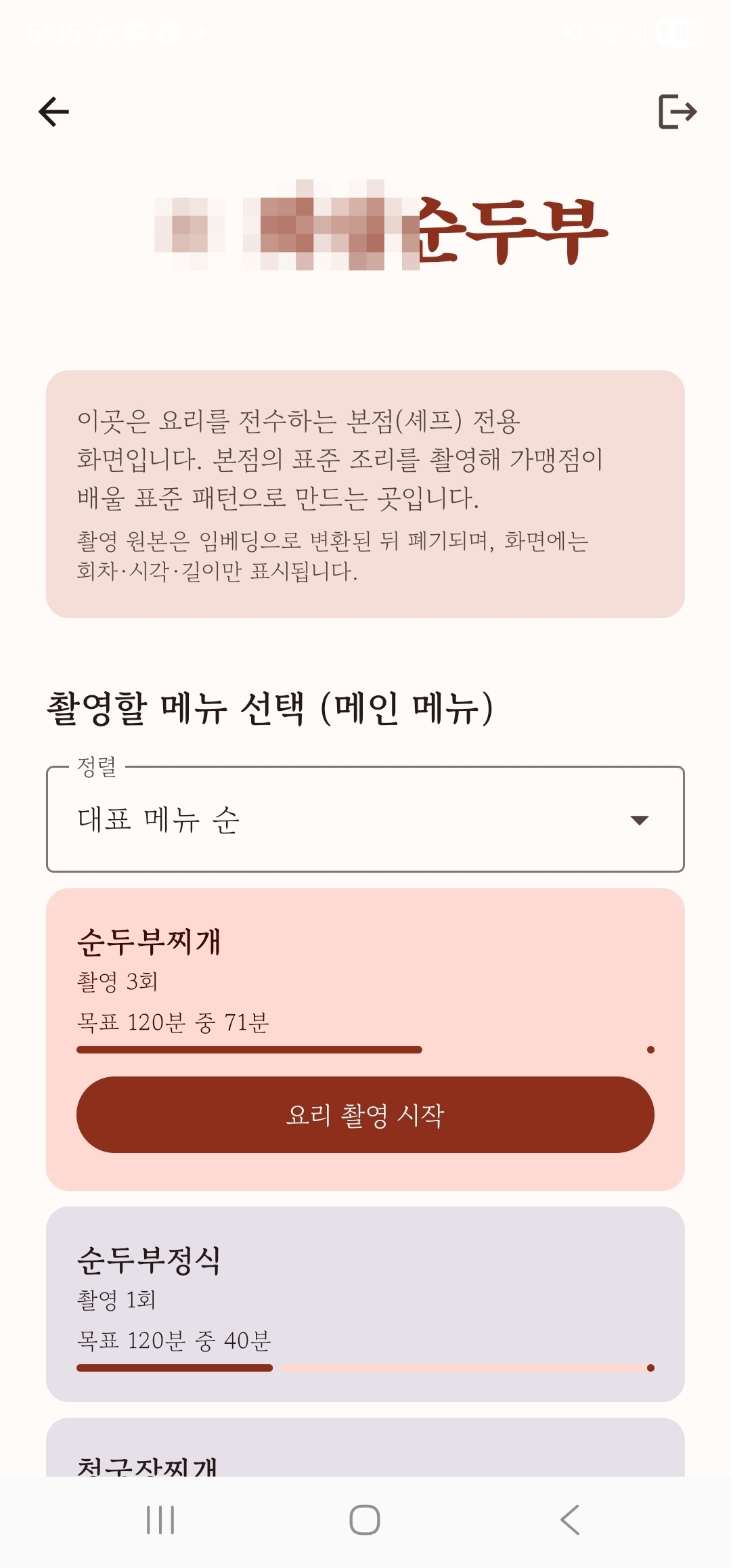
On the brand home, see each dish's filming progress (how much of the target is filled) and pick a dish to film.
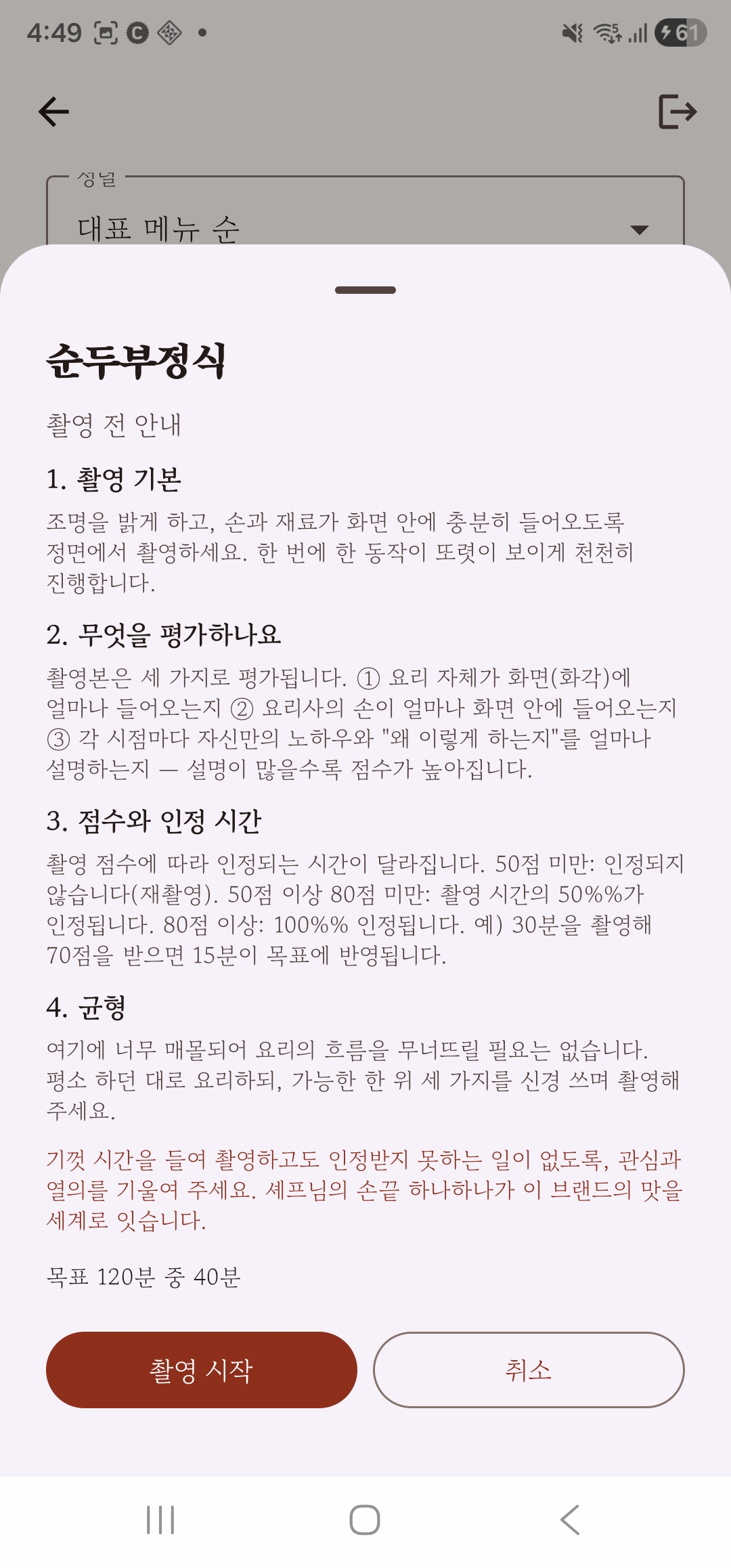
Tapping 'Start filming' doesn't begin right away — first the basic concepts, evaluation criteria and cautions are shown as text. Then, after putting on Galaxy XR, you press start to begin filming in earnest.
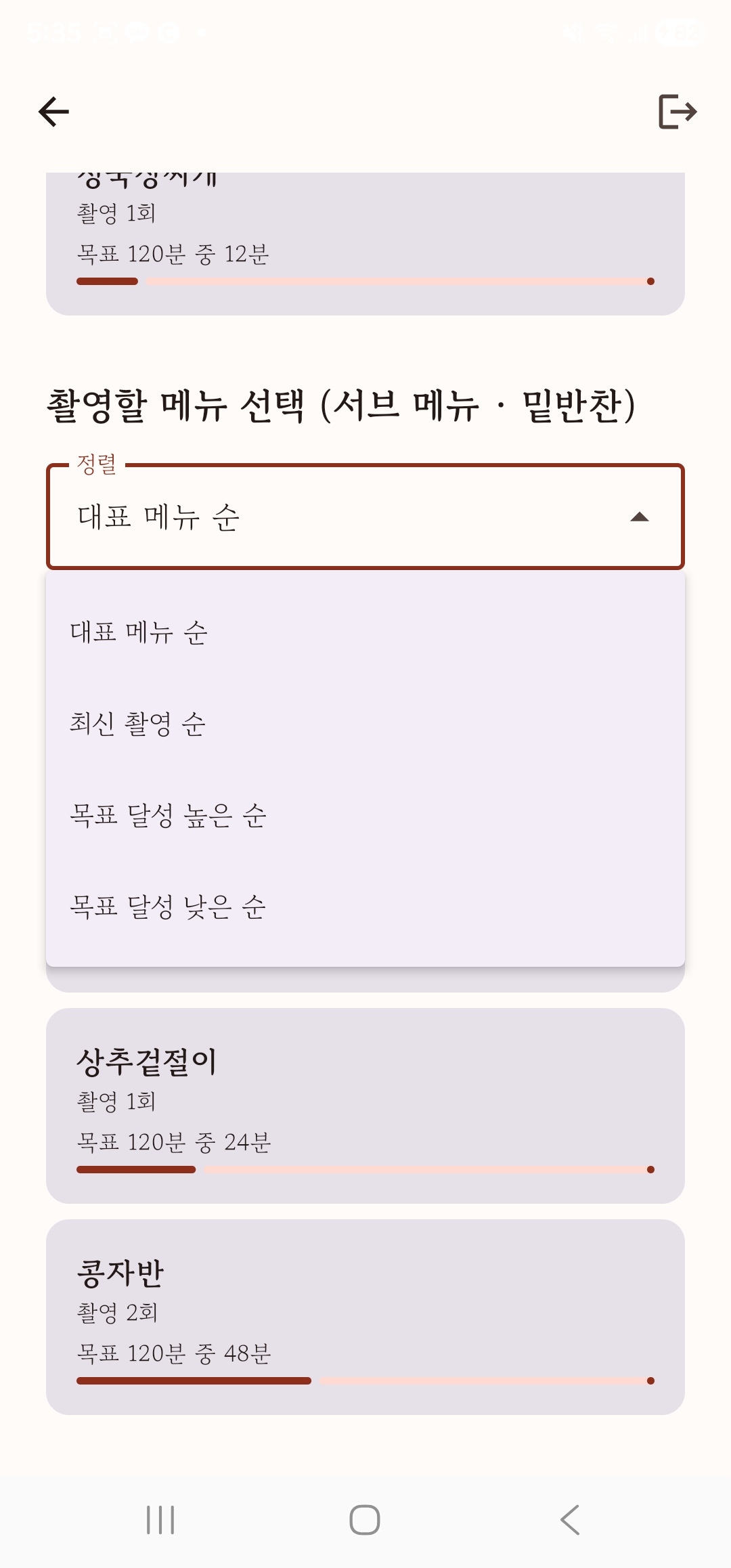
When there are many dishes, the sort feature lets you decide as you go — continue your most recent take, wrap up a nearly-complete dish, or attend to the slowest one.
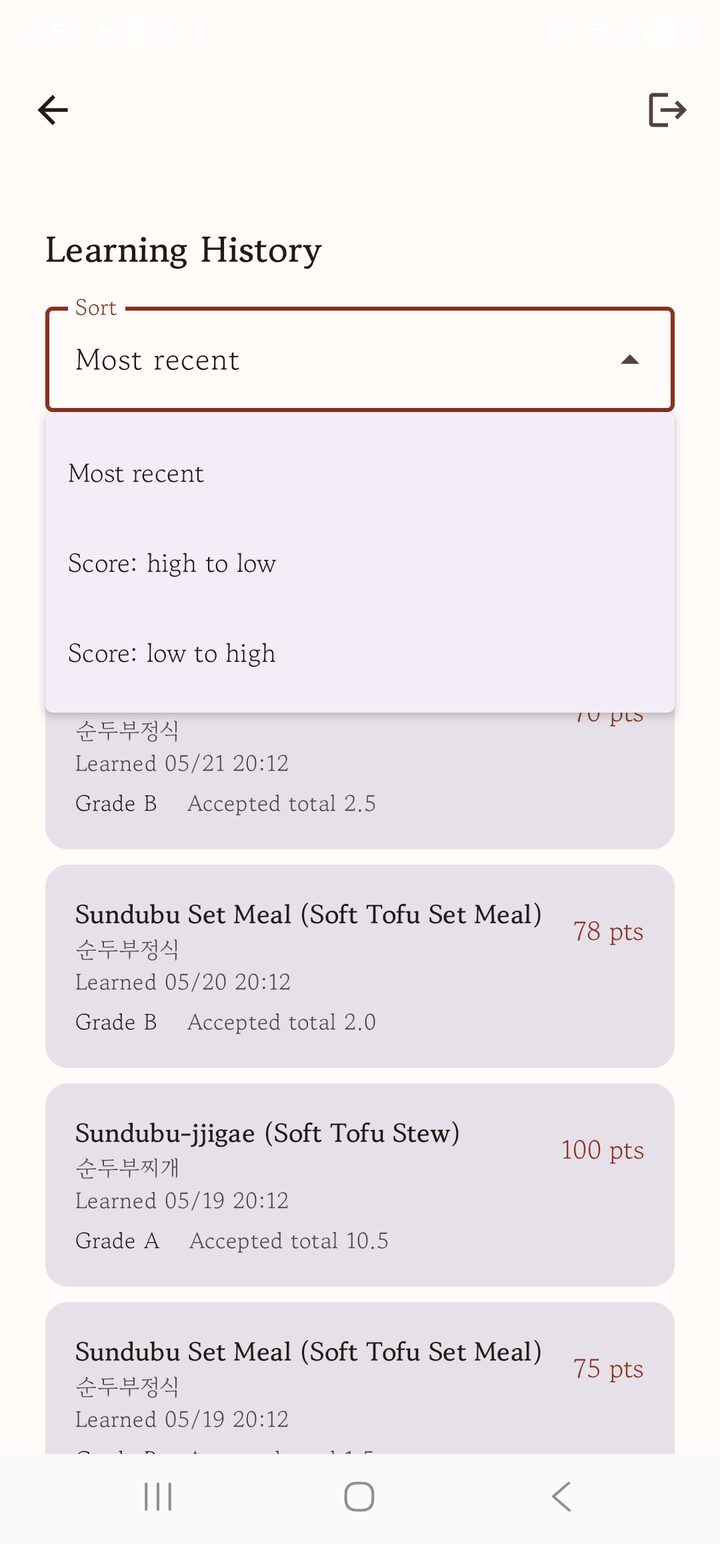
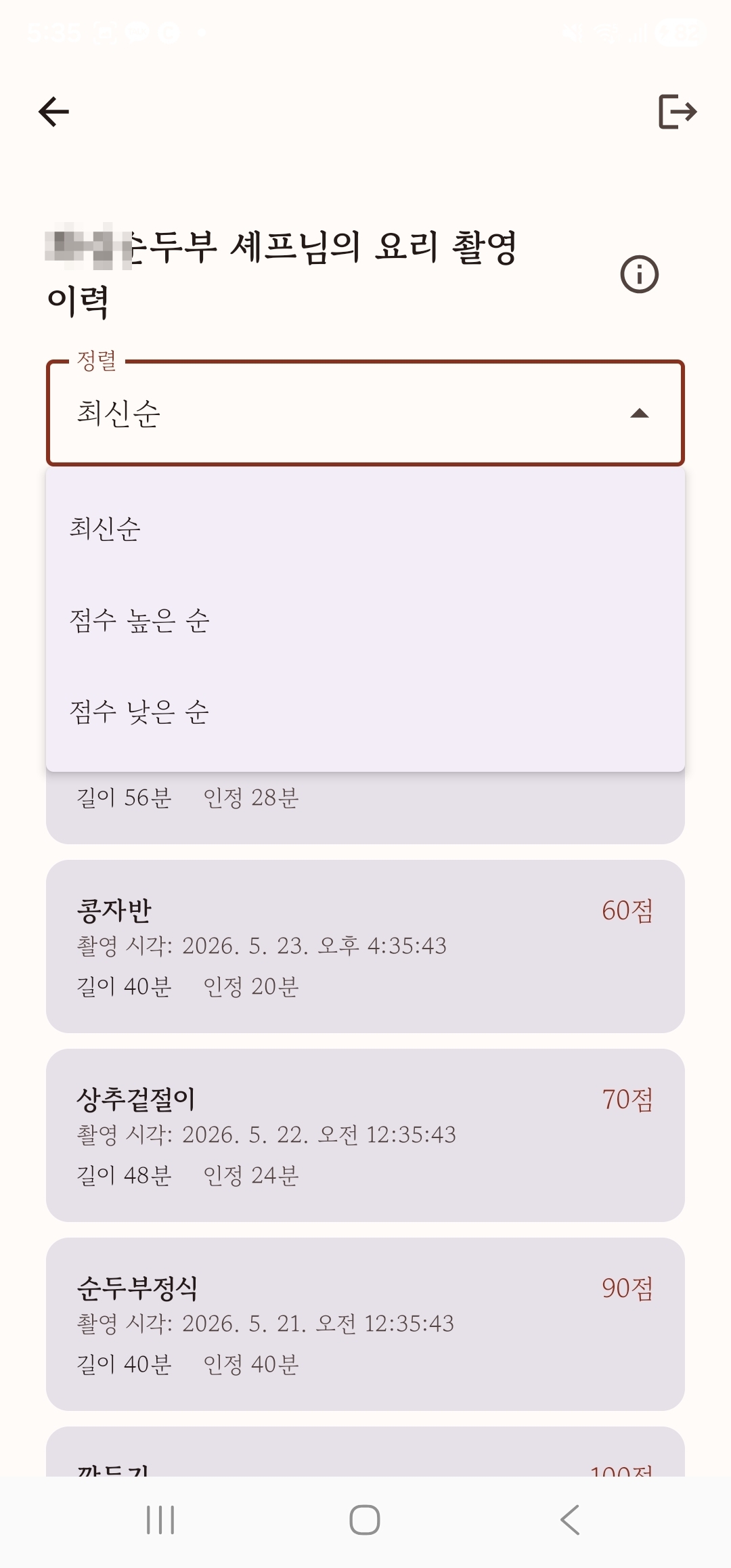
Look back over past takes by dish and time. See which dish on which date scored what, and review — by recency whether quality is improving, by score which dishes are weak — to apply to the next take.
Because learners are mostly based in the U.S., the app screen samples are shown in English; the language can be switched separately — to Korean and others — on the app's first screen.
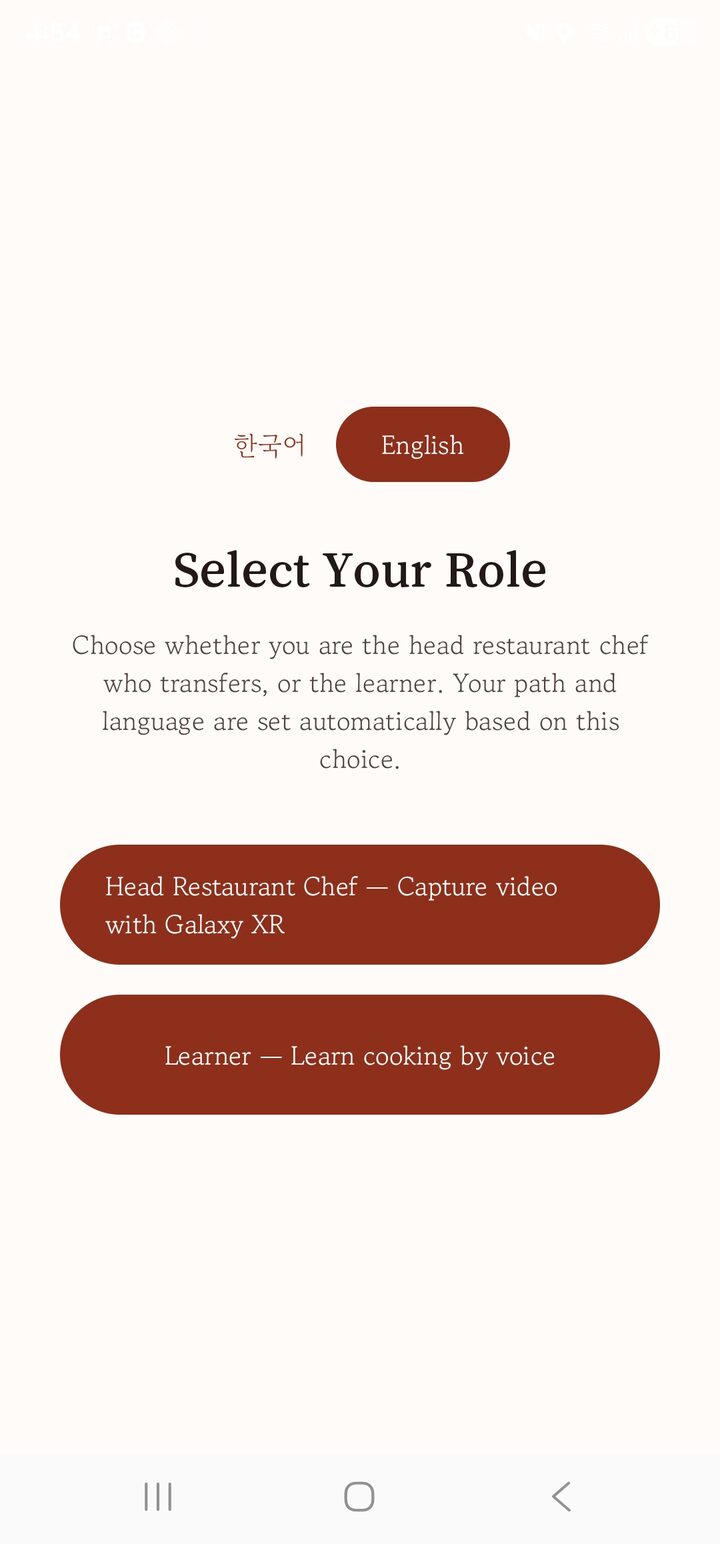
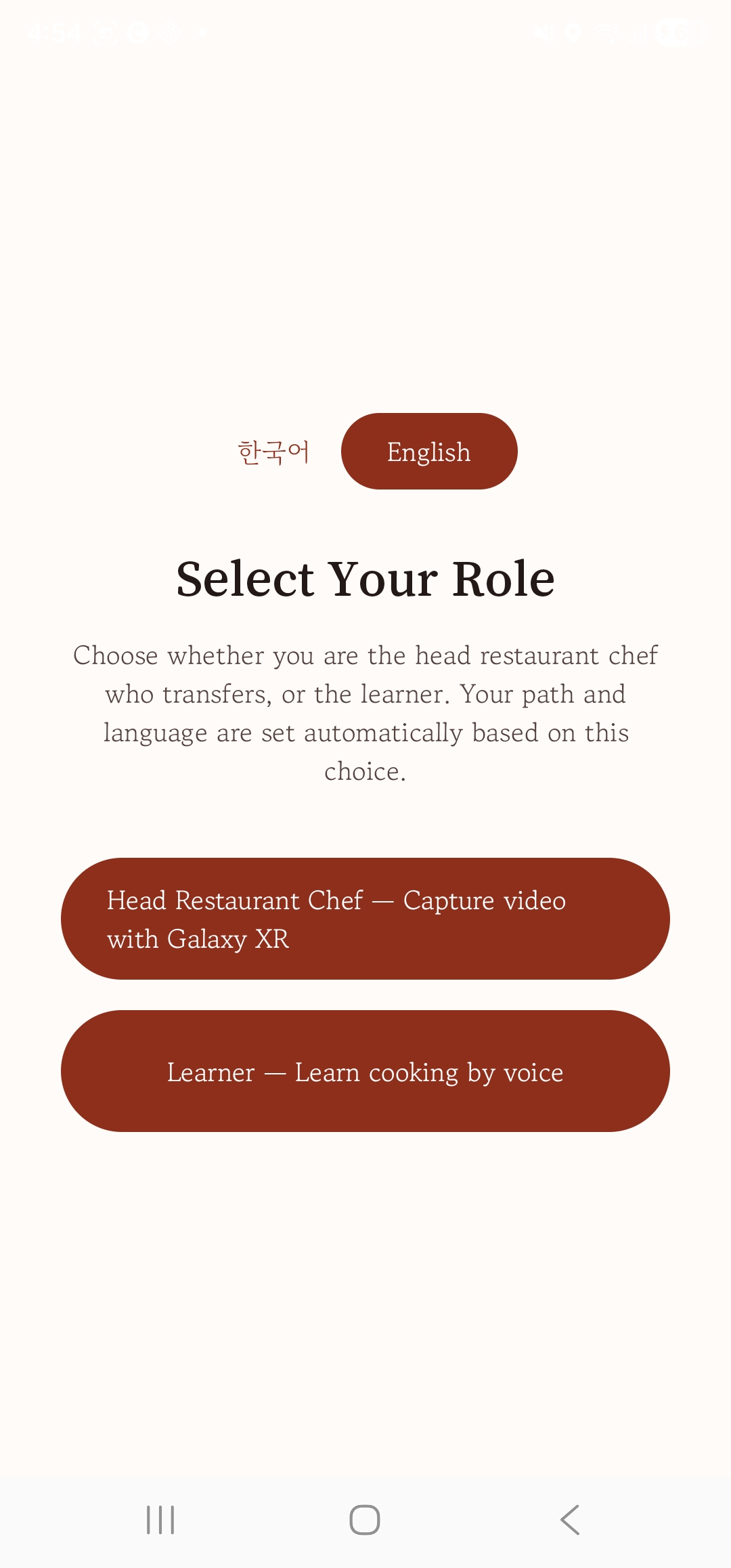
Log in with the invite from the master and a role-select screen appears. Choosing 'Learner' sends you down the learner path (no invite, no sign-up). On this first screen you can also pick the language — Korean, English, and so on.
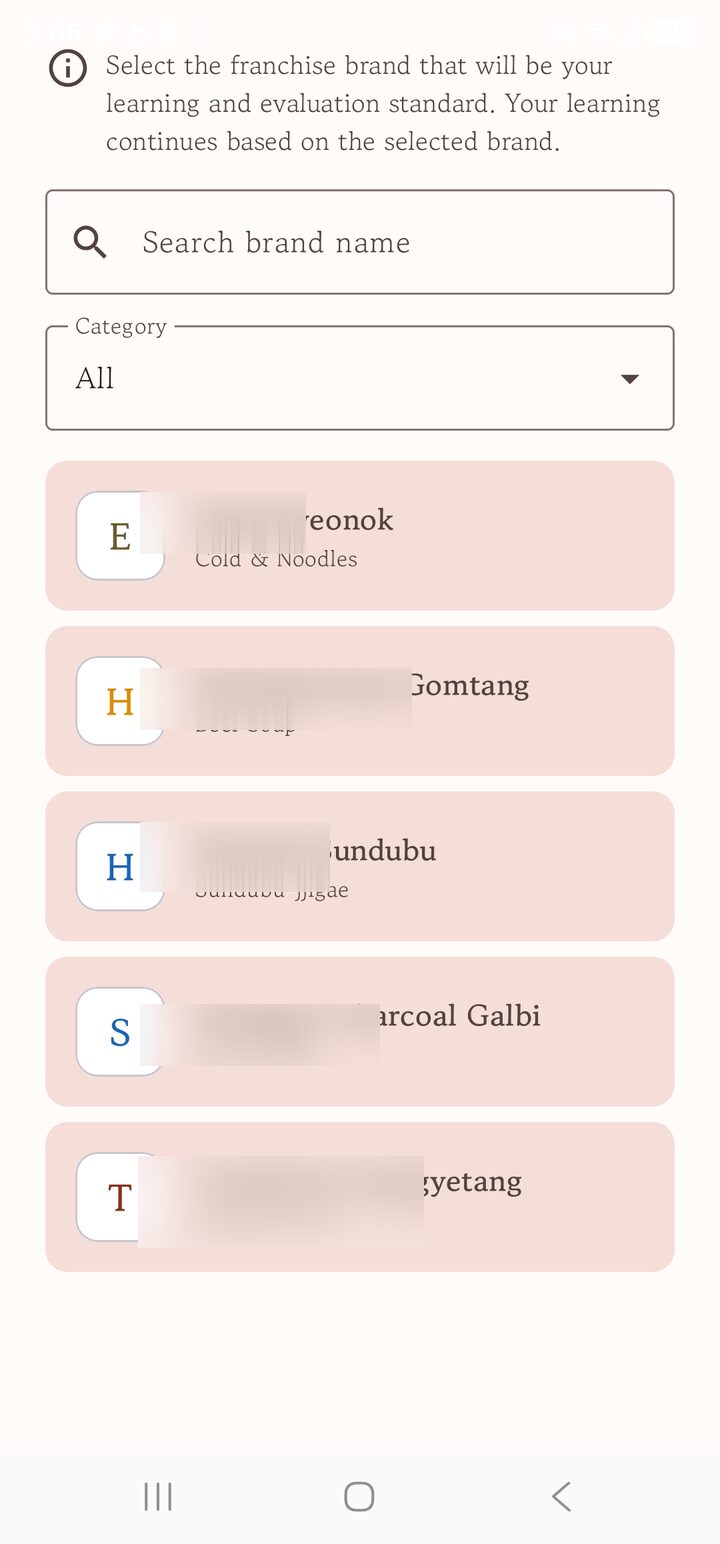
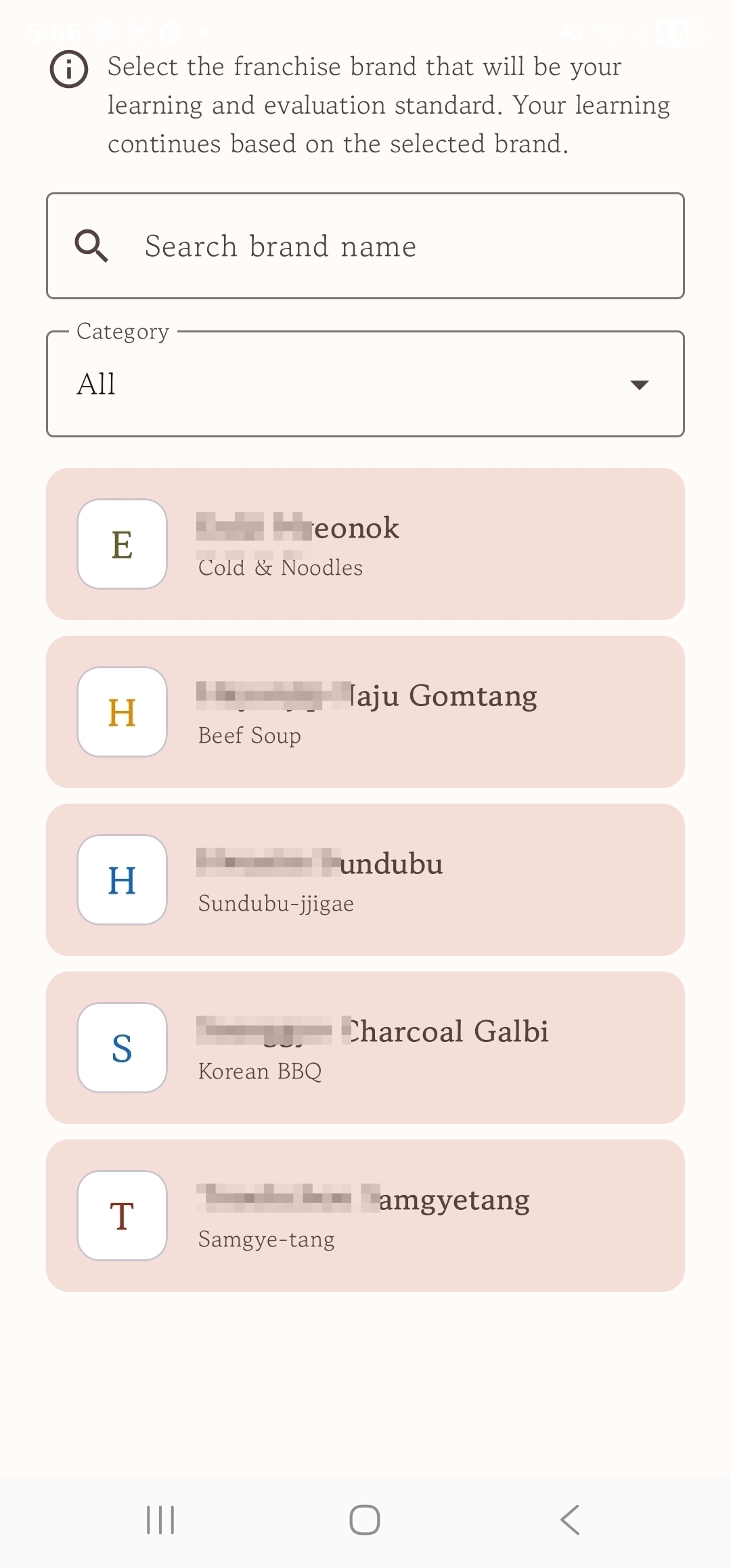
Learners see a list of brands and go into the one they're opening. Only invite-authorized brands open; others can't be accessed.
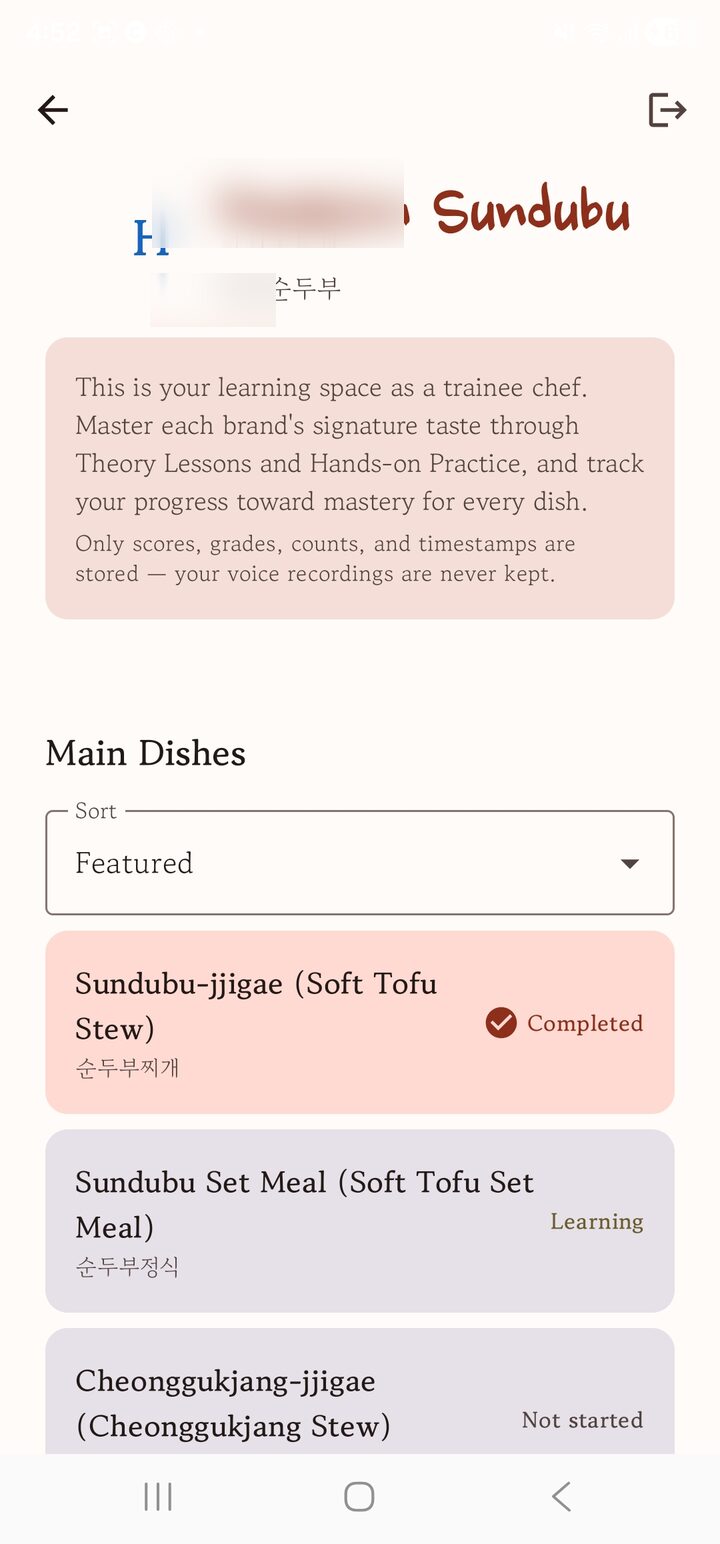
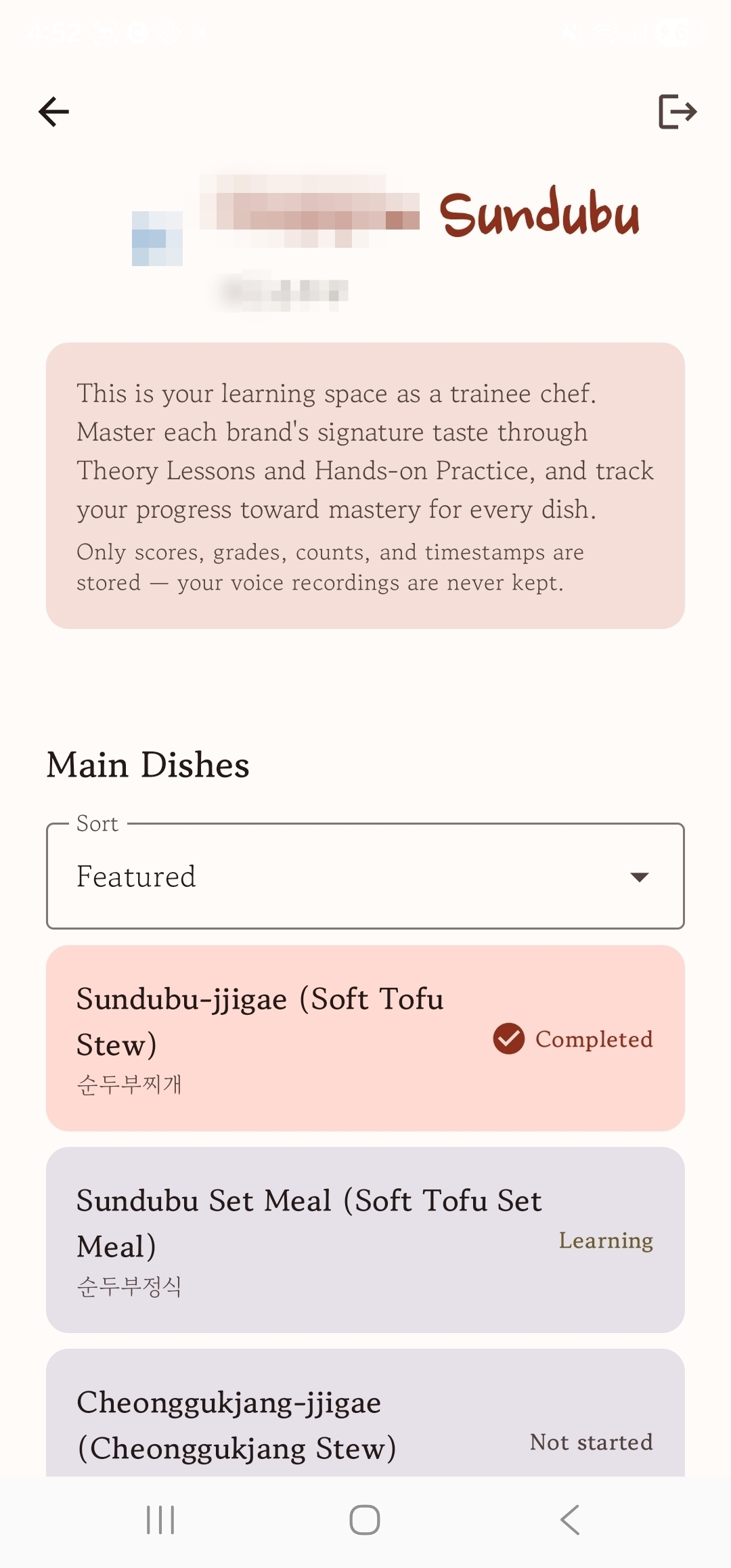
The brand home shows each dish's progress (not started · learning · done) at a glance. Only scores, grades and counts are kept — the original audio is never stored.
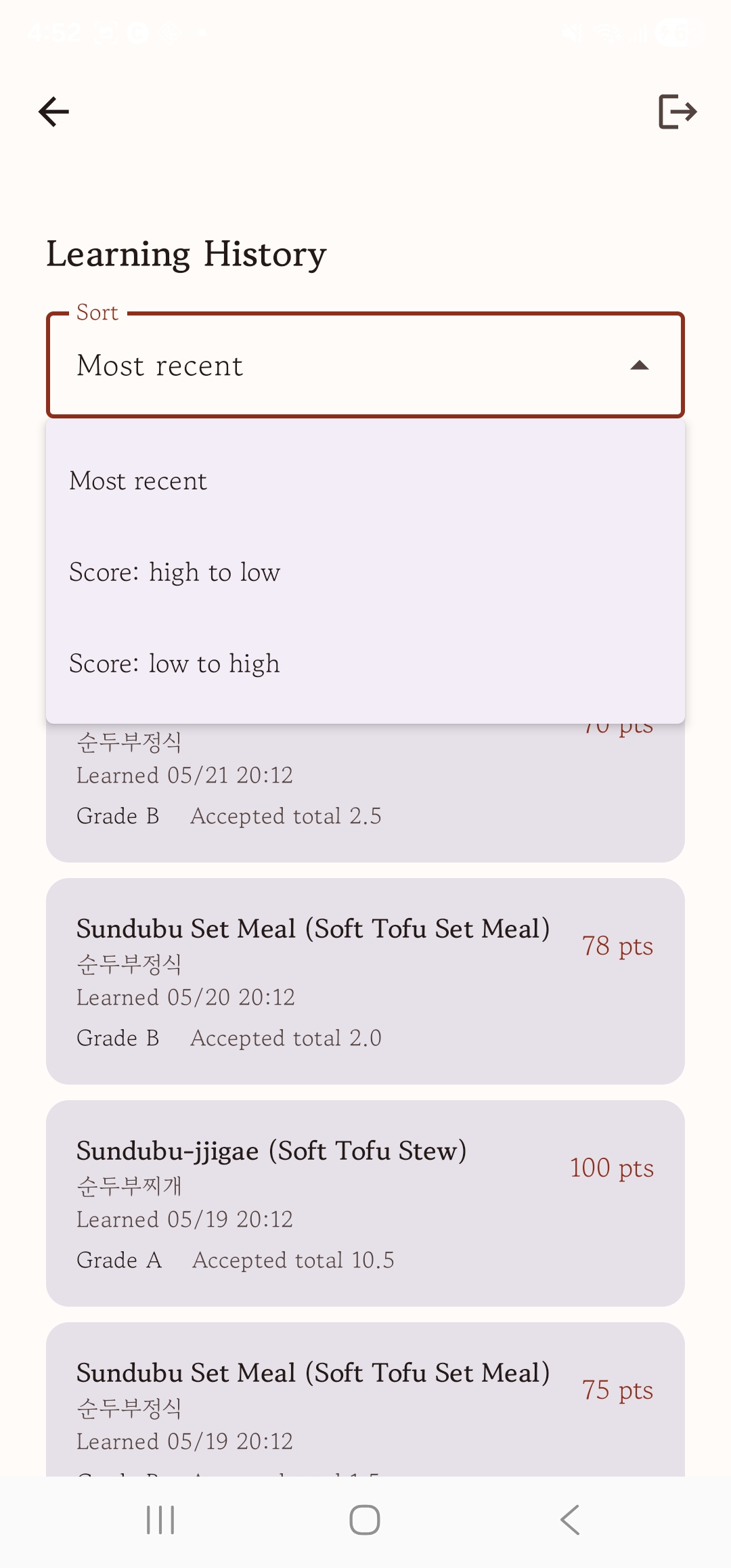
Scroll the same screen down for your learning history. Sort by most recent or by score (high/low) to review whether your scores are improving and which dishes are weak.
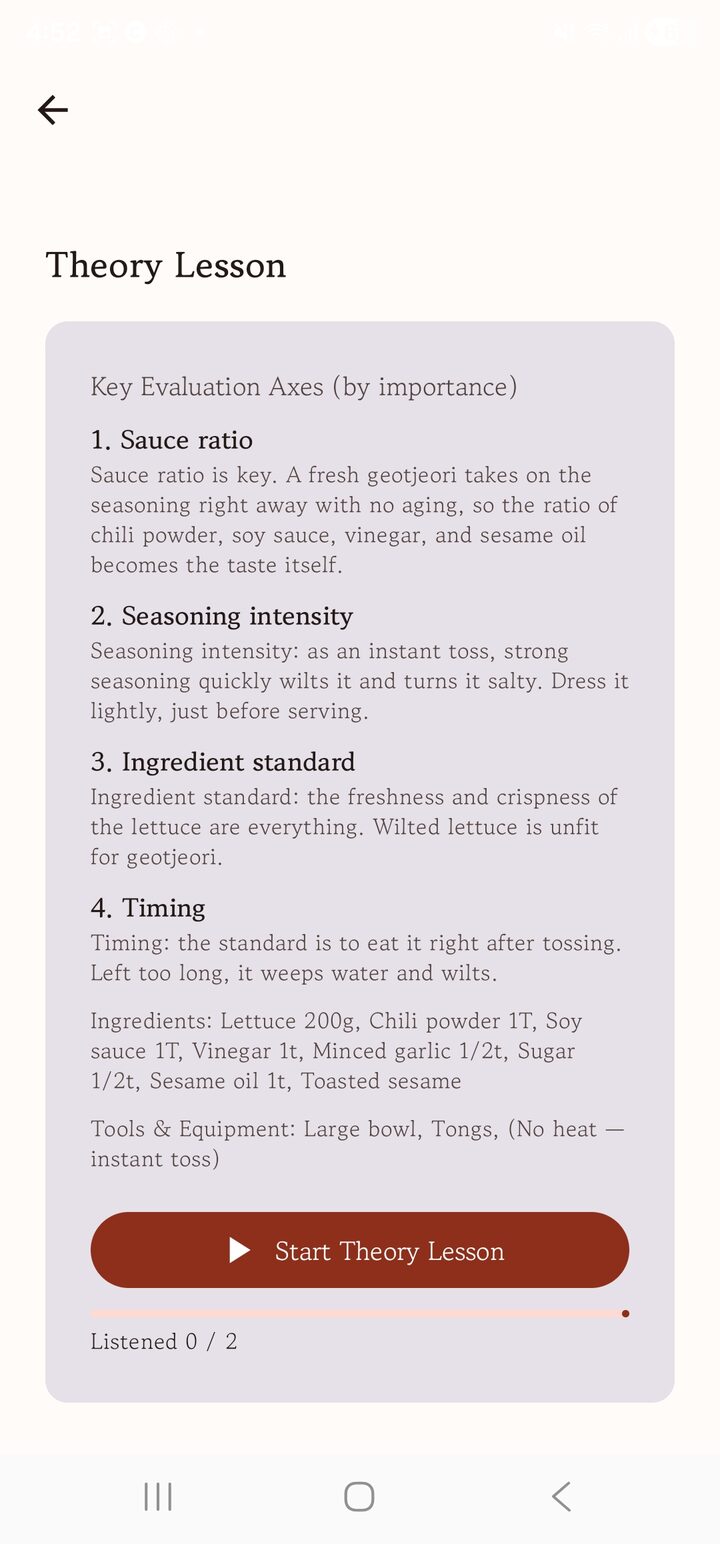
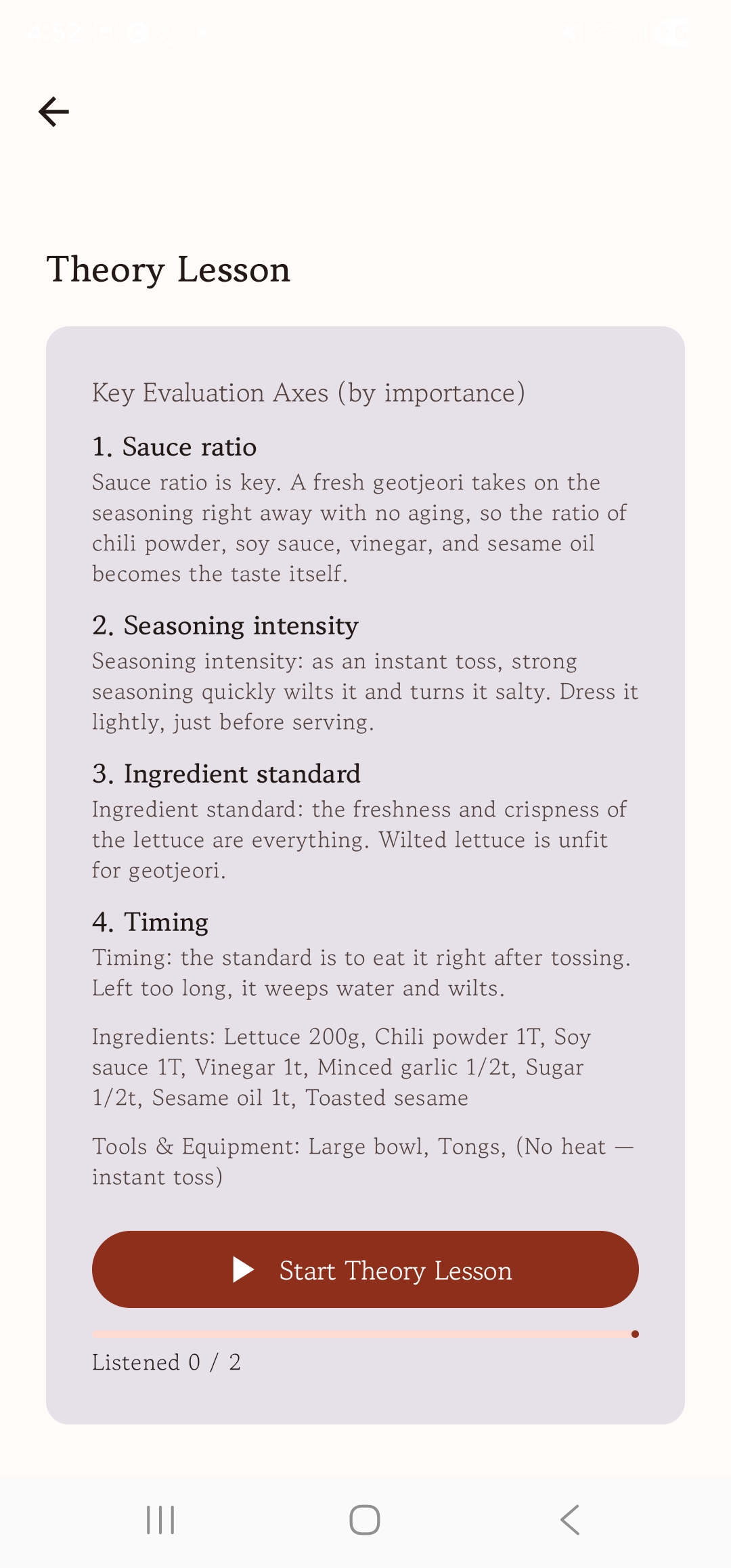
The theory lesson starts with the dish's core concepts provided as text. The AI doesn't just read the text aloud — it maximizes the lesson's effect by exchanging questions and dialogue with the learner.
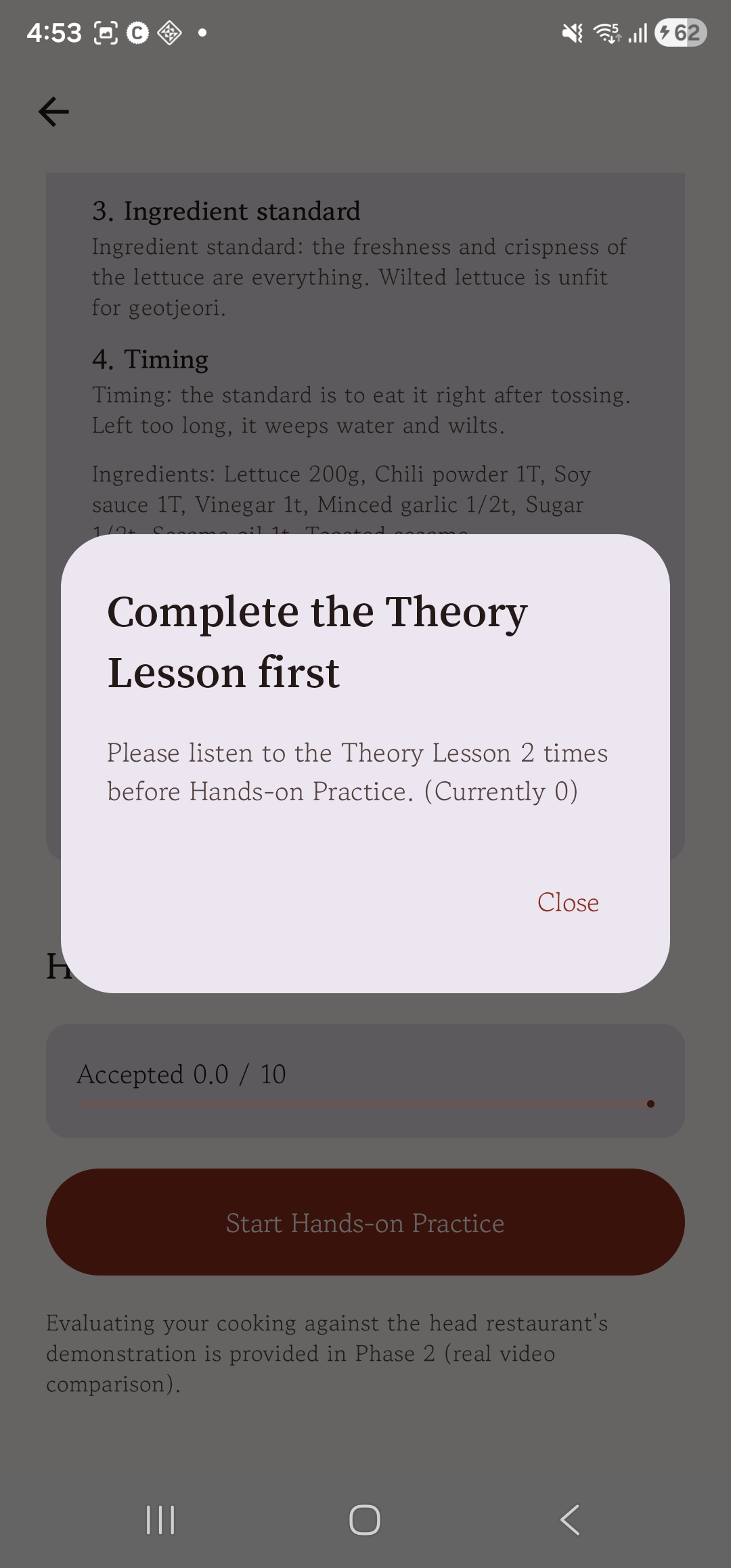
If you try to start hands-on practice before finishing theory, a notice appears and blocks you. Only after truly grasping the concepts can you move on to practice.
For practice you wear Galaxy XR. The dark lens is only the outside — passthrough cameras show the real kitchen clearly, and its weight balance and field of view are stable enough to cook in. The AI sees that same view and teaches by live conversation, telling you in grades how much your cooking differs from the master chef's pattern.